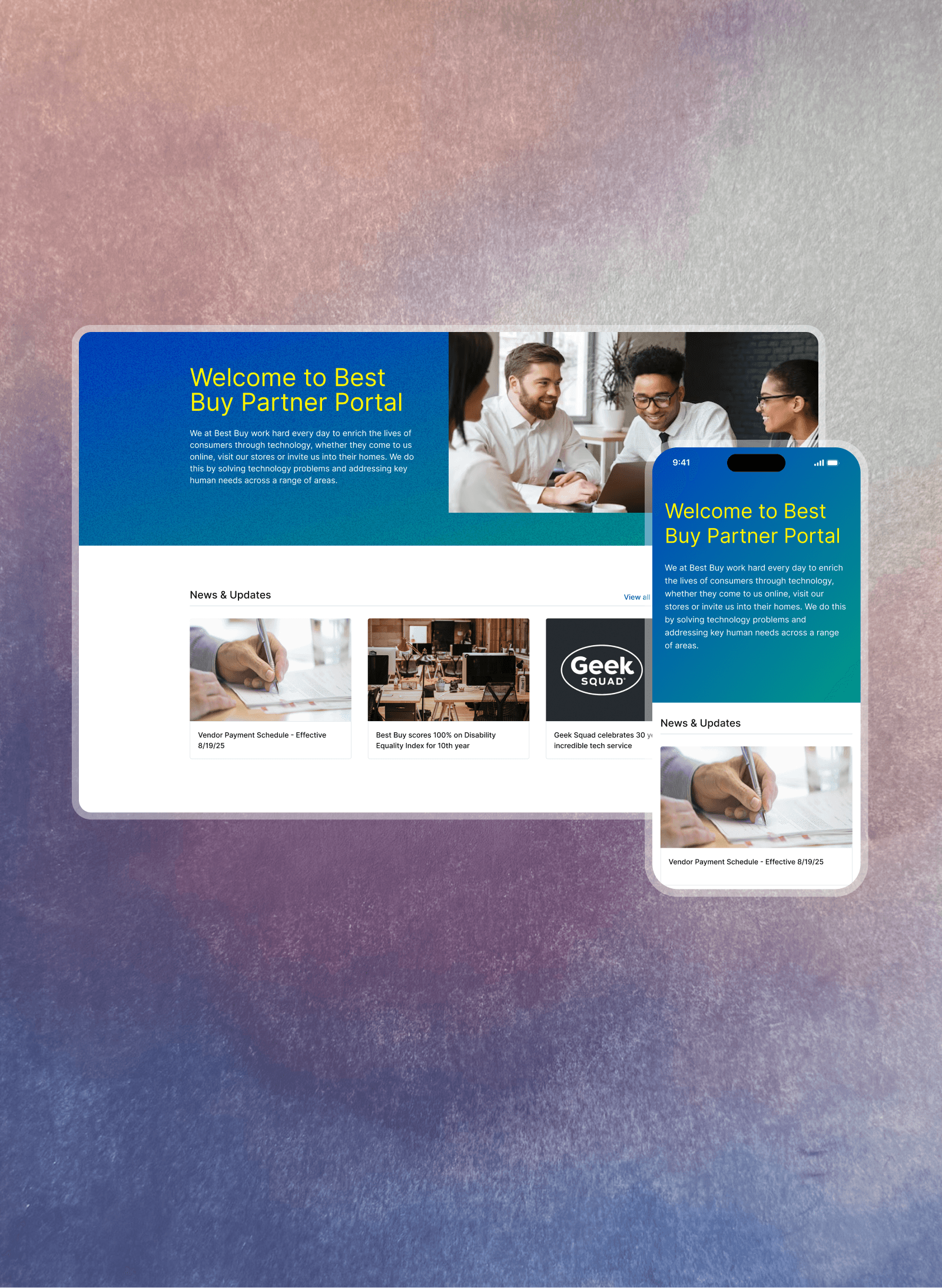
I designed the vendor-facing foundation for Best Buy's largest-ever product expansion — unifying three disconnected tools into a single hub that gave hundreds of sellers one place to manage, grow, and advertise their business.
Sellers onboarded at launch
Sellers within 3 months
SKU growth within 3 months of launch
Client
Best Buy
Role
Product Designer
Timeline
March - August 2025
Problem Space
Three tools, no home base
Best Buy Marketplace launched in August 2025 as the largest expansion of the company's product assortment in its history bestbuy, integrating hundreds of third-party sellers directly into BestBuy.com. But behind that customer-facing ambition was a harder operational question: how do you enable hundreds of vendors to actually run their businesses through Best Buy?
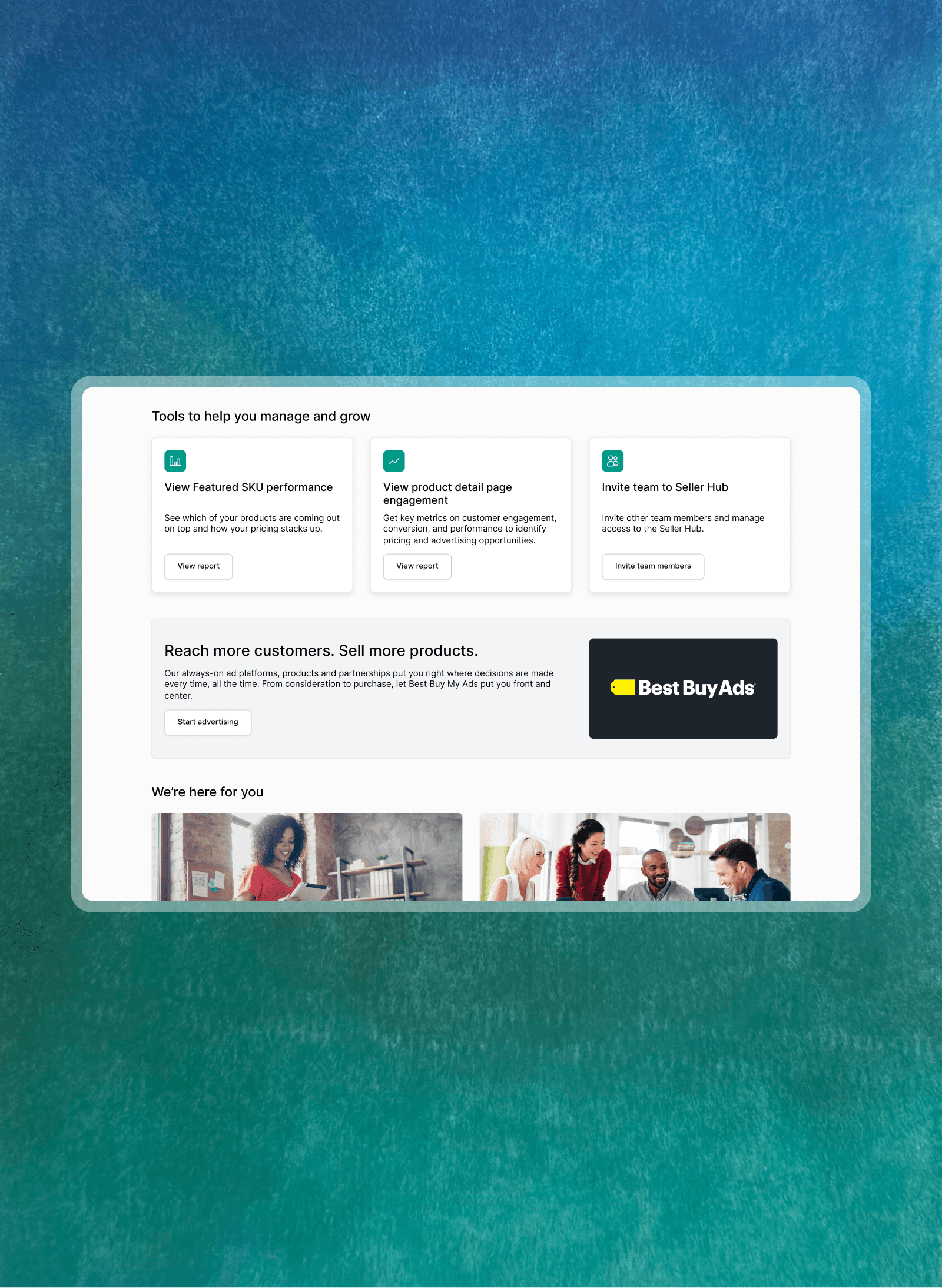
Before the Seller Hub existed, vendors juggled three completely separate platforms just to operate day-to-day. Mirakl for inventory, My Ads for advertising, and Business Partner for support. Constant context-switching between disconnected tools created real friction, especially as Best Buy was simultaneously asking vendors to ramp up ahead of a major public launch.
The business stakes made this urgent. Advertising revenue was one of Best Buy's top fiscal priorities that year. If vendors couldn't easily find and activate ad campaigns, that was money left on the table at a company-wide level.
Best Buy had attempted a Marketplace before and it hadn't worked out. This time, the expectation was different: it had to launch, it had to scale, and it had to stick. There was no existing infrastructure to build from. I was brought in from day one to design the vendor-facing experience from a blank canvas.
Research
Looking outward before designing inward
Before designing anything, I needed to understand what a best-in-class vendor experience actually looked like and where the gaps were.
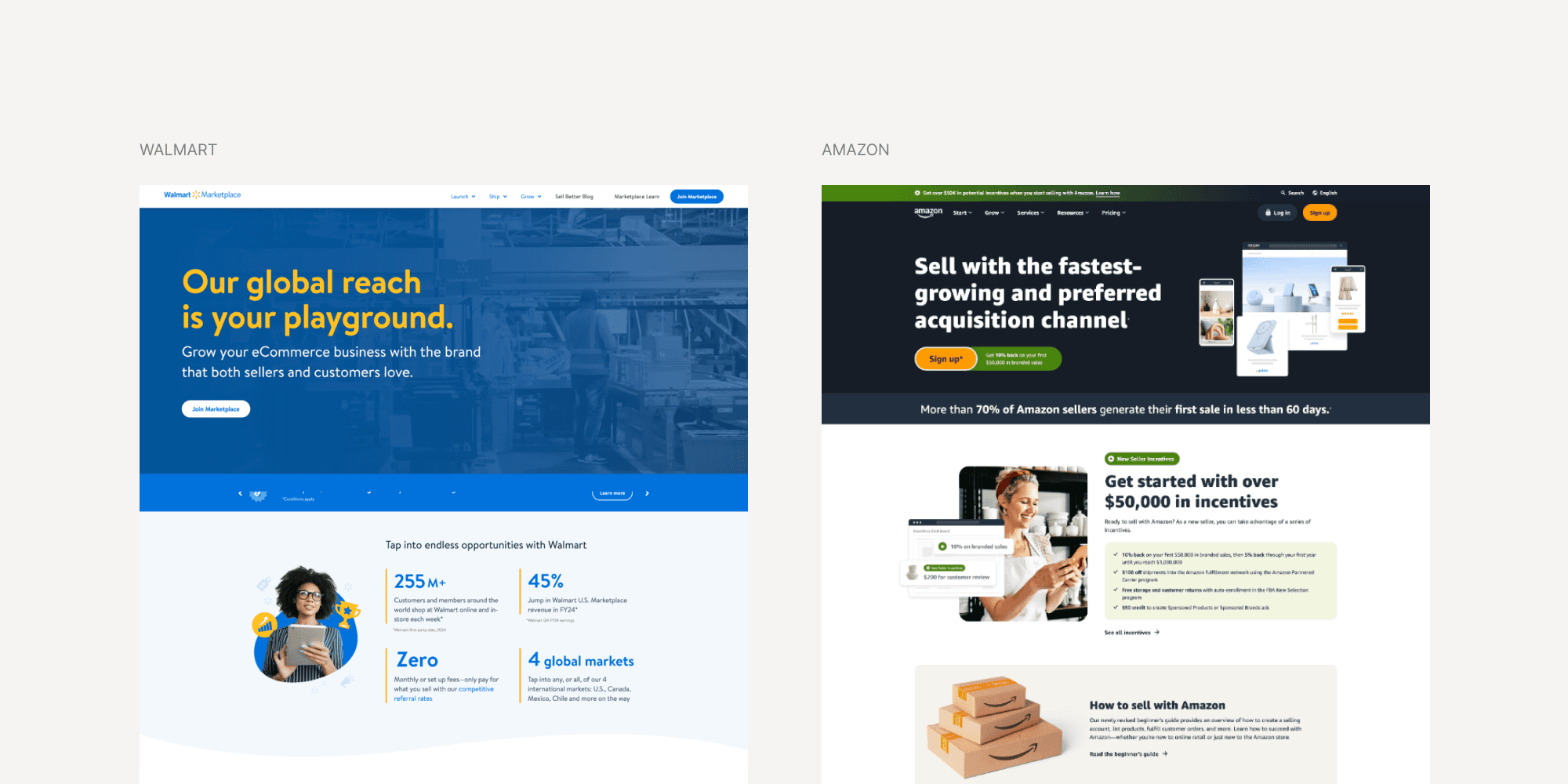
Competitive analysis across Walmart Seller Center and Amazon Seller Central revealed a consistent pattern: the most effective marketplace hubs don't try to be everything at once. They establish a clear primary action, surface the most business-critical tools immediately, and defer everything else. Amazon in particular had a sprawling information architecture, useful once you knew it, overwhelming when you didn't. Walmart's was tighter, but leaned heavily on marketing language over operational utility.
The insight I carried into design: vendors arriving at the Seller Hub aren't browsing. They have a job to do. The hub needed to meet them there.
We also had a dedicated research team running rolling prototype sessions with a pre-recruited group of beta vendors throughout the project. Task-based questions like "How would you go about setting up an ad campaign?" exposed navigation gaps early and often. Findings came back to the design team continuously, not at the end.
Design Process
Flexible by necessity, intentional by design
If there's one phrase that defined this project, it's: we were building the plane while flying it.
Engineering was actively developing features at the same time I was designing the surfaces meant to house them. Whether a given tool would be ready before launch was uncertain week to week. This required designing modular, flexible layouts that could accommodate features we weren't certain would ship, and swapping components in and out as constraints shifted.
Defining the architecture
The first major challenge was the global navigation. Three separate tools needed to collapse into one coherent hub without feeling like three tabs crammed together.
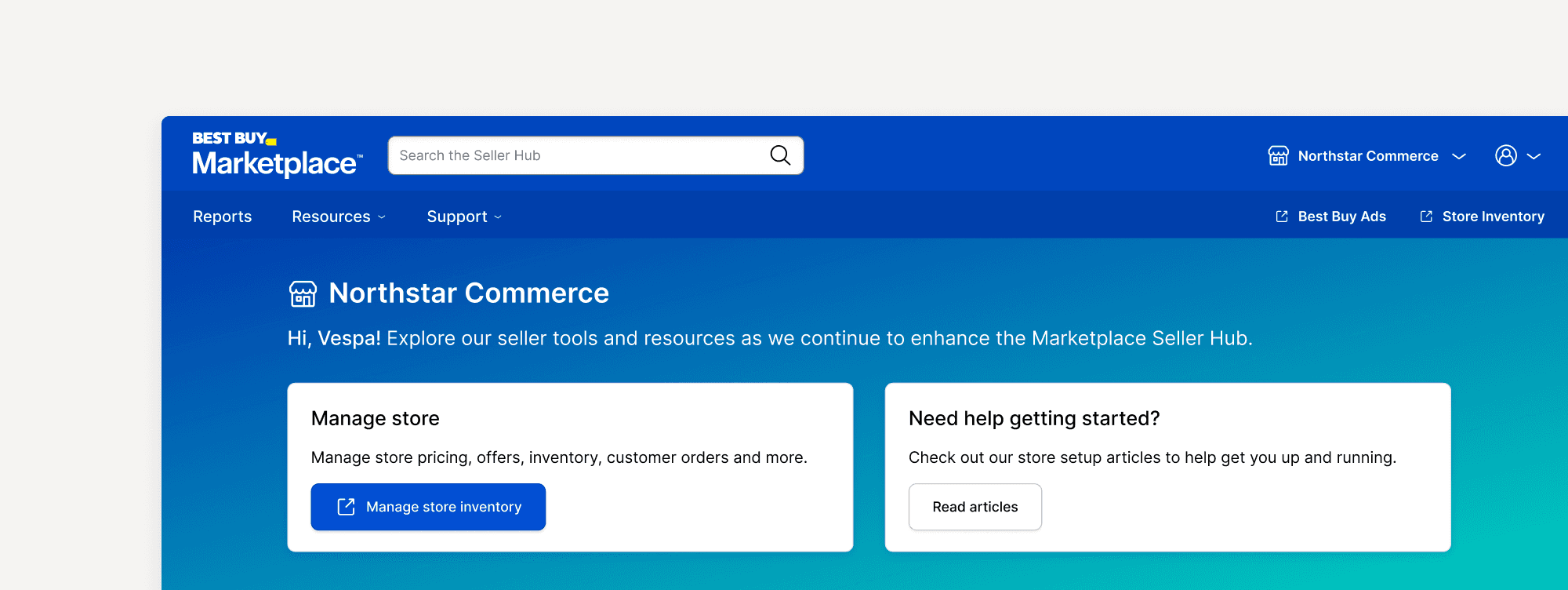
I mapped the core vendor workflow — arrive, orient, manage store, check performance, run ads, get help — and let that sequence drive the structure. Reports, Resources, and Support formed the primary nav rail. Best Buy Ads and Store Inventory were surfaced as persistent quick-access links in the top right: present at all times, never buried, signaling their importance without cluttering the primary experience.
Designing the homepage
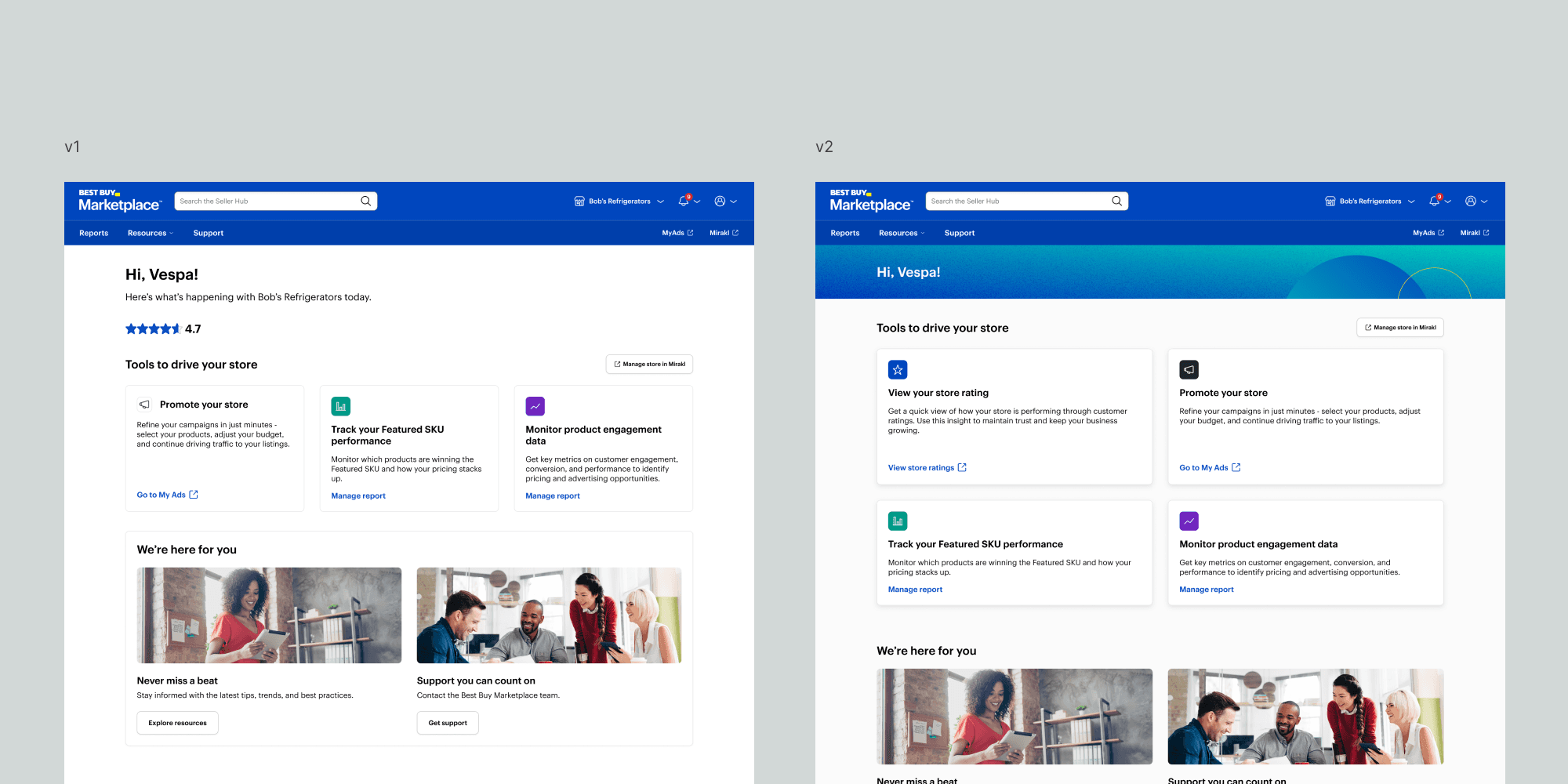
The homepage was the hardest surface to get right. We wanted it to actively guide vendors toward whatever they needed to do next, which looked radically different depending on who they were. A vendor brand-new to Marketplace needed orientation. An established brand checking in daily needed immediate access to performance data and advertising tools.
I explored several directions before landing on the final design.
Results
One front door to everything
The Seller Hub launched with Best Buy Marketplace in August 2025. For the first time, vendors had a single authenticated place to manage their entire Best Buy relationship: inventory, performance data, advertising, and support, all under one roof.
The personalized hero adapted based on vendor context. New sellers were guided toward store setup and onboarding resources; active sellers saw performance signals and advertising entry points. The three action cards beneath it, validated through research as the highest-impact tasks for vendors at any stage, surfaced Featured SKU performance, product detail page engagement, and team management. The Best Buy Ads module, embedded mid-page rather than tucked behind a nav link, ensured the path to advertising was impossible to miss.
Best Buy launched with approximately 500 sellers CNBC, growing to over 1,000 within three months and achieving an 11x increase in SKU count. eDesk By the first holiday season, the platform offered 10 times the products available at launch. bestbuy
Sellers onboarded at launch
Sellers within 3 months
SKU growth within 3 months of launch
What I Learned
Ambiguity demands modular thinking.
When requirements change weekly, the ability to design flexible, component-based systems isn't a nice-to-have. It's what keeps a product coherent under pressure.
The homepage is never just a homepage.
In a 0-to-1 product, the homepage is the moment a vendor decides whether the platform is worth their time. Getting that hierarchy right required as much systems thinking as visual design.
Designing for revenue means designing for behavior.
When a business priority is high enough, making space for a feature isn't enough. It needs the placement and context to actually change what users do.
Subtraction is the hardest design move.
Every module we removed from the homepage made the remaining ones more powerful. The vendors who showed up had a job to do, and the best thing we could do was get out of their way.
Credits
Design
Uvie Adah –– Product Designer
Mike Johnson –– Lead Product Designer
Katy Hale –– Sr. Product Designer
Brooke Doring –– Sr. Product Designer
Brandi Howell –– Product Designer
Ben Joyce –– Sr. Product Design Manager
Product
Dustin Hershberger –– Sr. Product Manager
Kate Pangandaman –– Sr. Product Manager
Sara Halfmann –– Sr. Business Manager